
FEATURES
A closer look
Four parts of SQUIDS101 worth knowing about, each shown with a real screen from the forum.
FINDING A SQUAD
Search, sort, and join
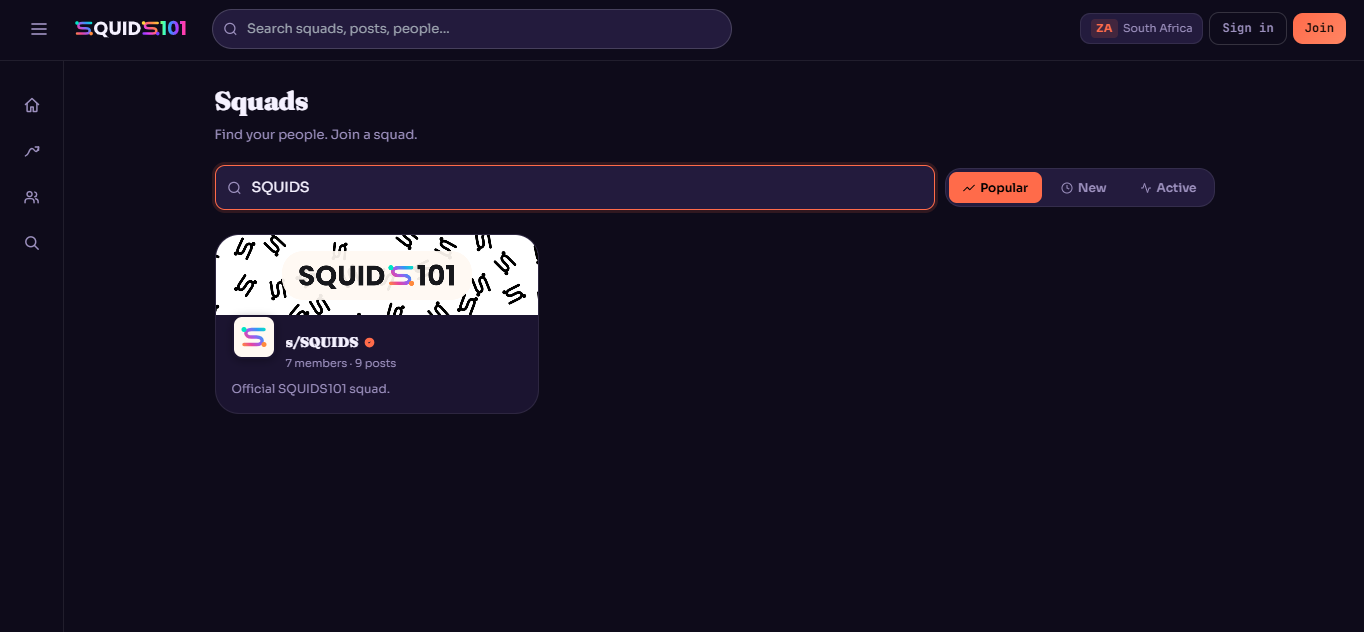
The squads directory lists public squads with a short description and member and post counts, so you can find one that fits before joining.
- Popular — sorted by overall activity
- New — squads that have just started
- Active — squads with recent posts
YOUR PROFILE
Posts, squads, and people
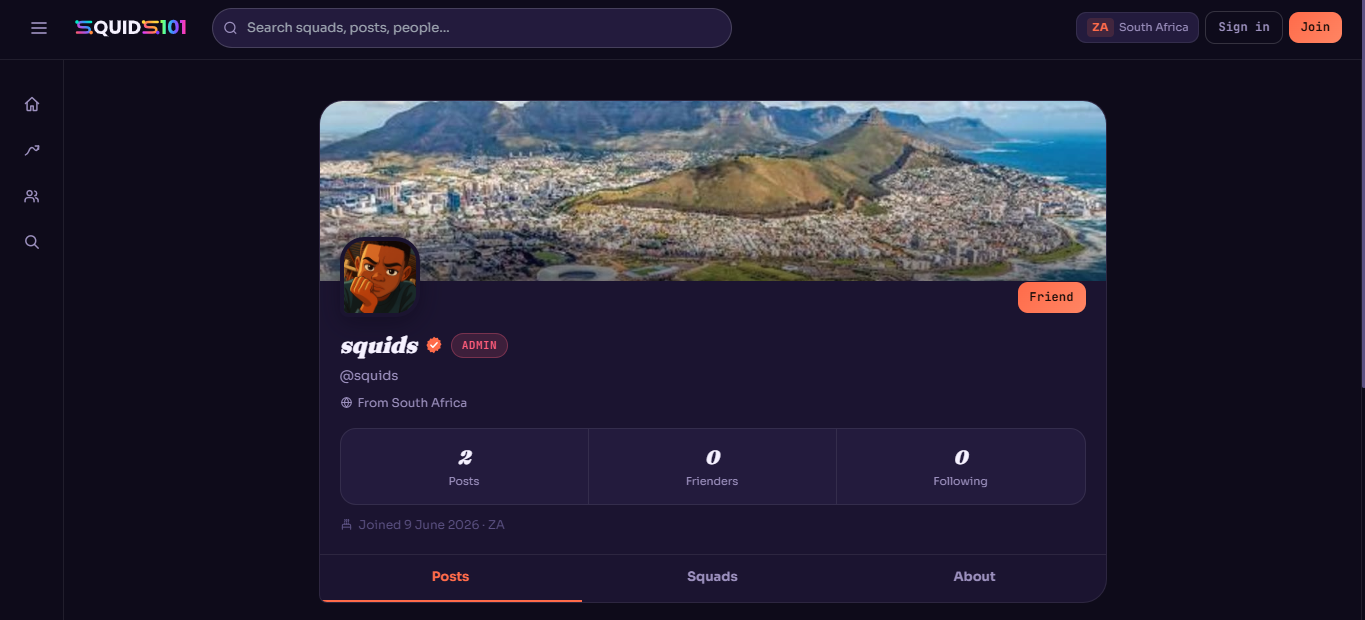
A profile brings together your posts, the squads you belong to, and the people you follow, along with when you joined and where you're from.
- Posts — everything you've shared
- Squads — the groups you're part of
- About — the rest of your profile details
INVITATIONS
Bring someone into a squad
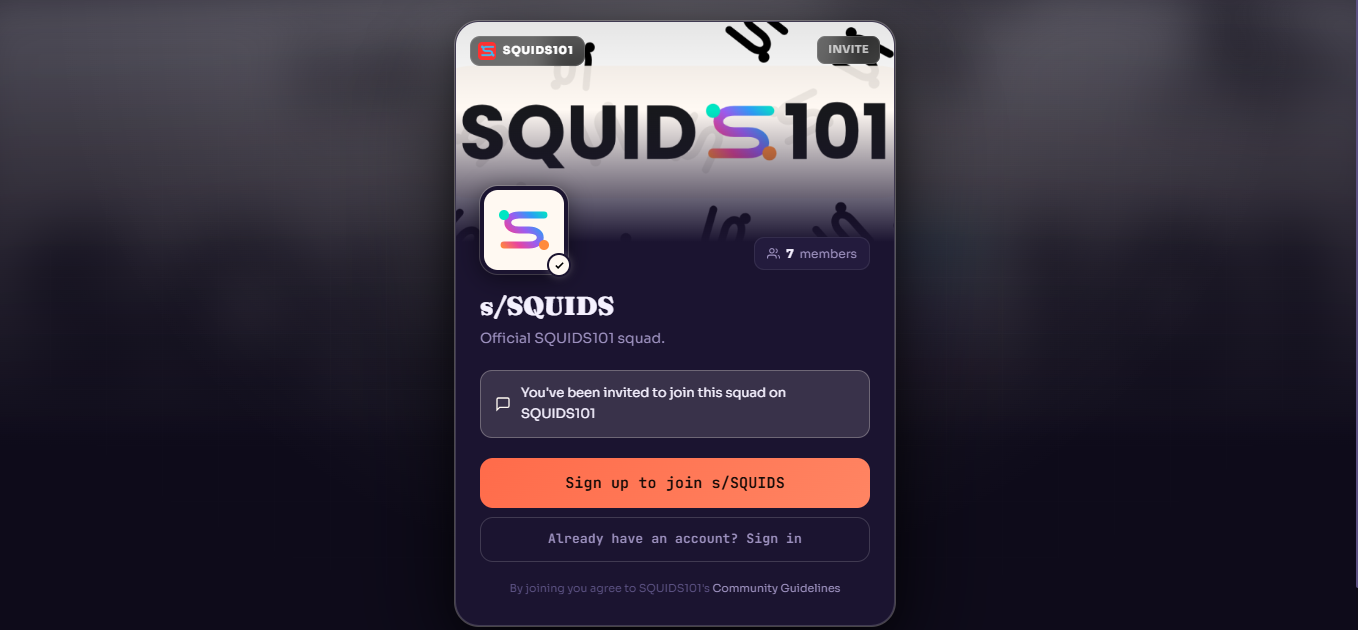
An invite link takes someone straight to a squad. If they don't have an account yet, they're asked to sign up and agree to SQUIDS101's Community Guidelines before joining.
VERIFICATION
The verified mark
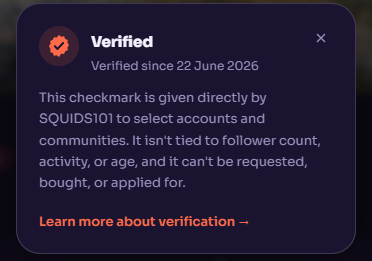
A small number of accounts and squads carry a verified mark. It isn't tied to followers, activity, or age, and it can't be bought, requested, or applied for.